Global Call Block List Management
The Global Block List is a centralized way to manage blocked callers for your entire organization. Block incoming calls on Cisco Unified Communications Manager (CUCM) at the global level, with a single list shared among multiple policies.
It operates at the policy level, allowing you to decide whether a policy should enforce this call block list or not. Instead of creating individual rules for each blocked number, you can streamline management using this one table.
Calls on this list will be blocked if the policy toggle Global Block List is enabled — even if the policy is set to permit.
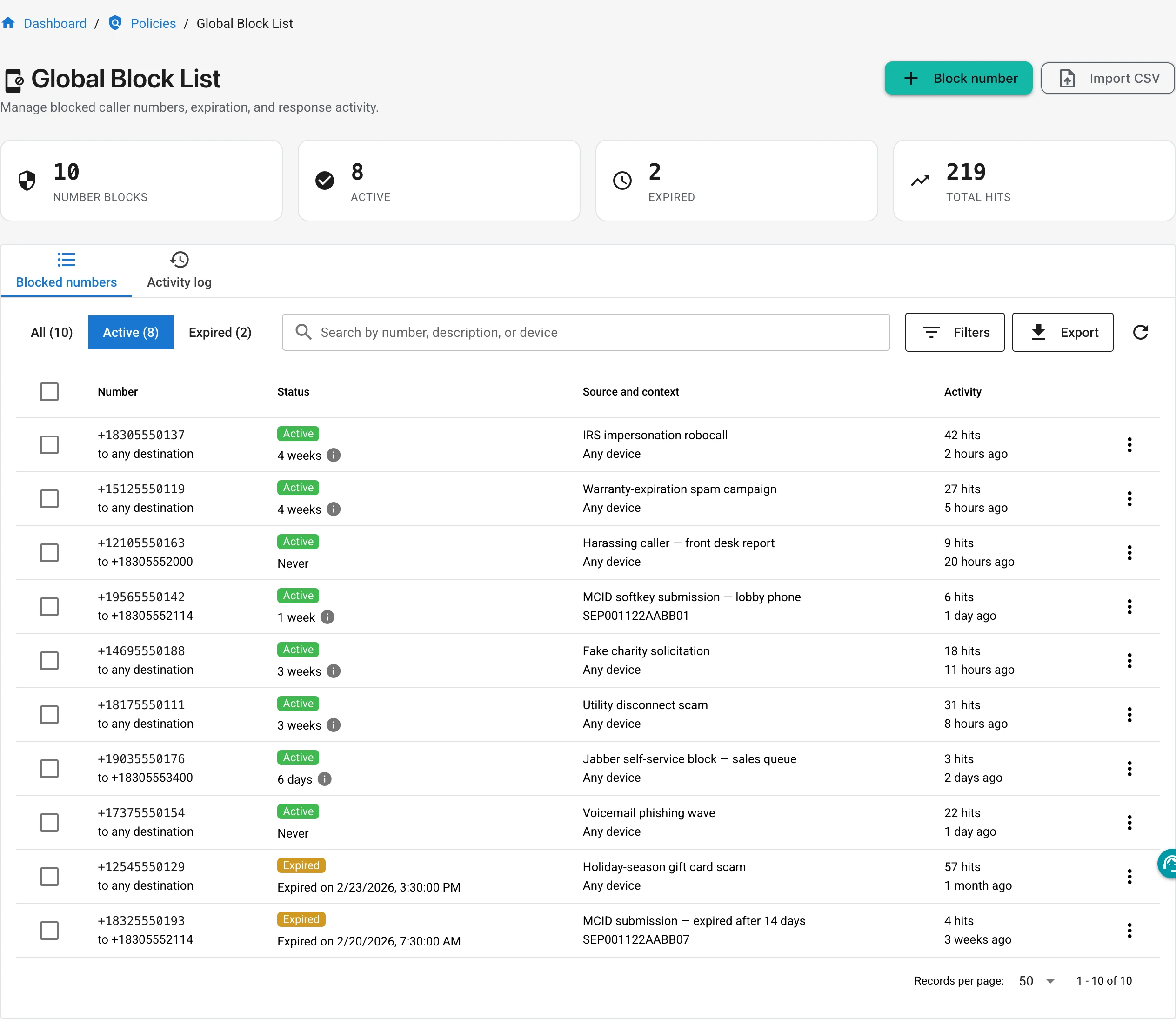
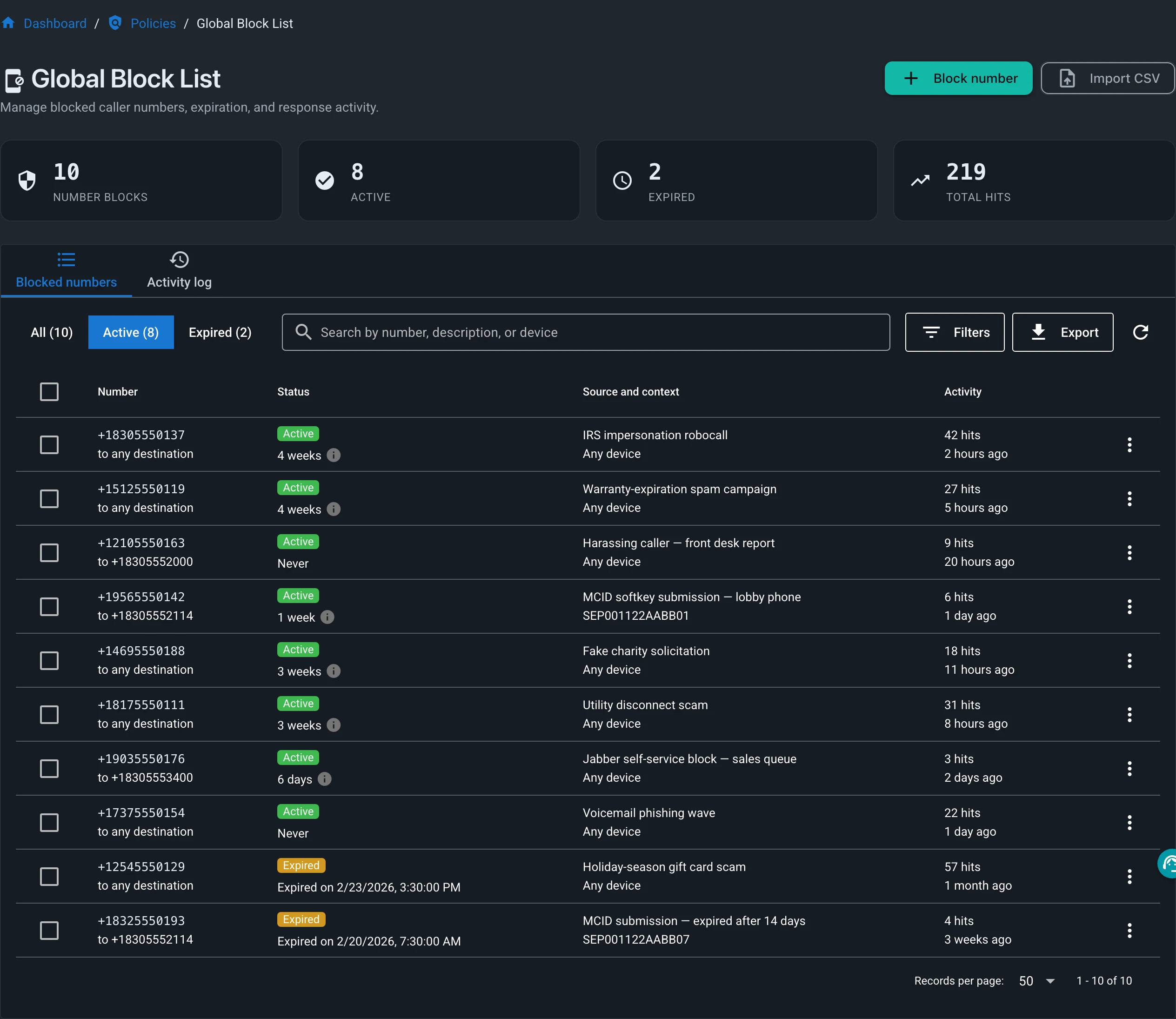
Community includes up to 100 globally blocked numbers — see Unlimited Capacity for how paid tiers scale beyond that.
Enable User Portals for Call Block List Management
Users can submit blocked numbers via a web XML service on the phone, the native MCID softkey on their Cisco IP Phone, or via a Jabber plugin. These rules are unique to each user, and will not block calls for other users.
- Phone based XML Call Management
- User MCID Block Call Submissions
- Jabber Plugin Call Block Submissions
Managing your Block List
Unlimited Capacity Essentials
Community includes up to 100 globally blocked numbers. Licensed tiers remove the limit — the block list scales to thousands of entries, and the policy engine enforces every entry in real time.
Large lists usually start somewhere else: an export from a previous PBX, a robocall feed, or years of user submissions. Two ways to load and maintain them:
- CSV import loads a full list in one upload.
- The REST API manages entries programmatically. You can write scripts that sync the block list from any source you choose — every endpoint is documented in the generated API Reference.
Auto expiration and per-entry hit counts keep a large list current: stale entries age out on schedule, and hit counts show which blocks are still matching calls.
Auto Expiration for Block List Entries Advanced
As an administrator, you can set a blocked caller's number to expire after a certain number of days. You can also make this the default for all user-submitted blocks.
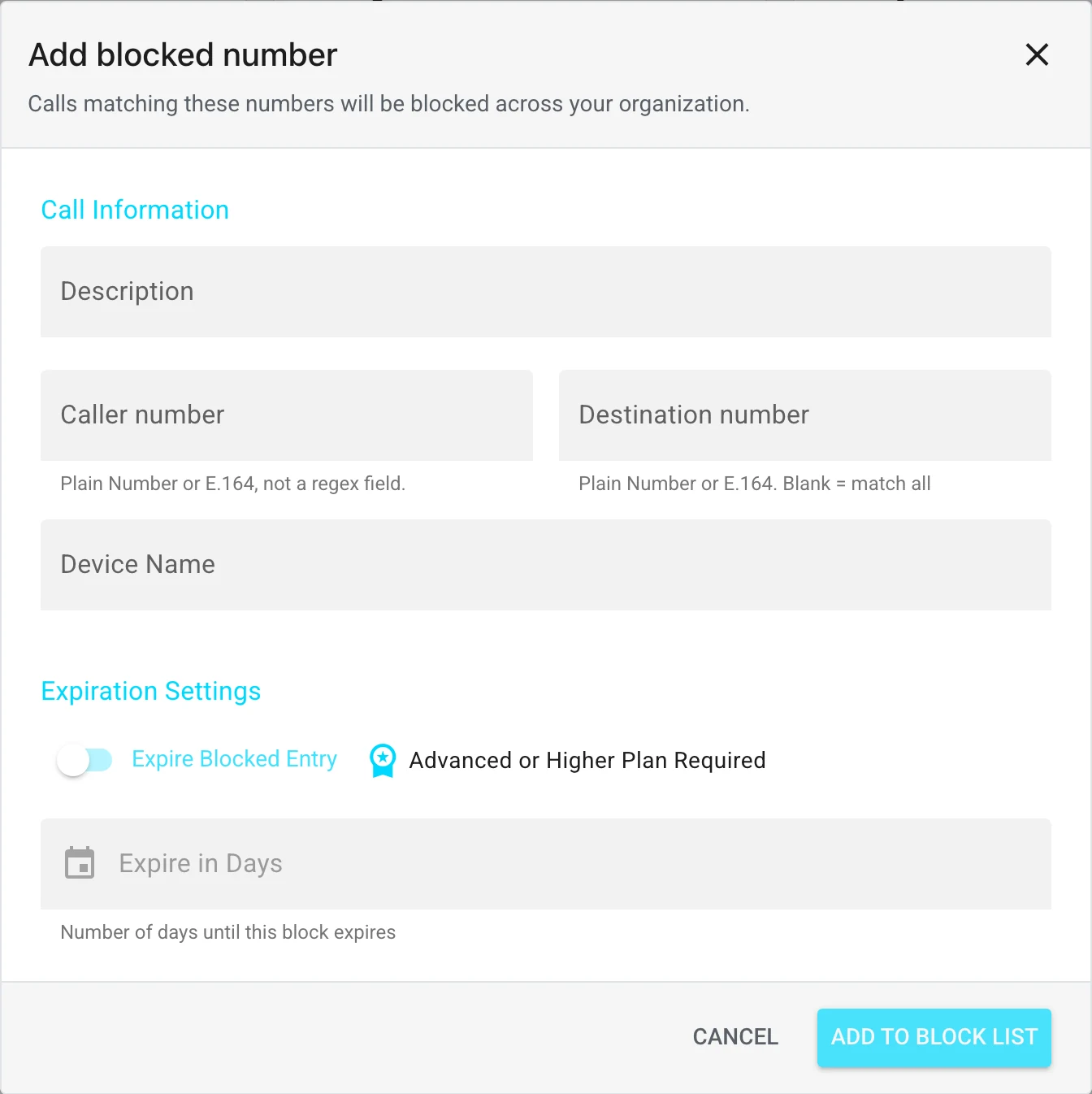
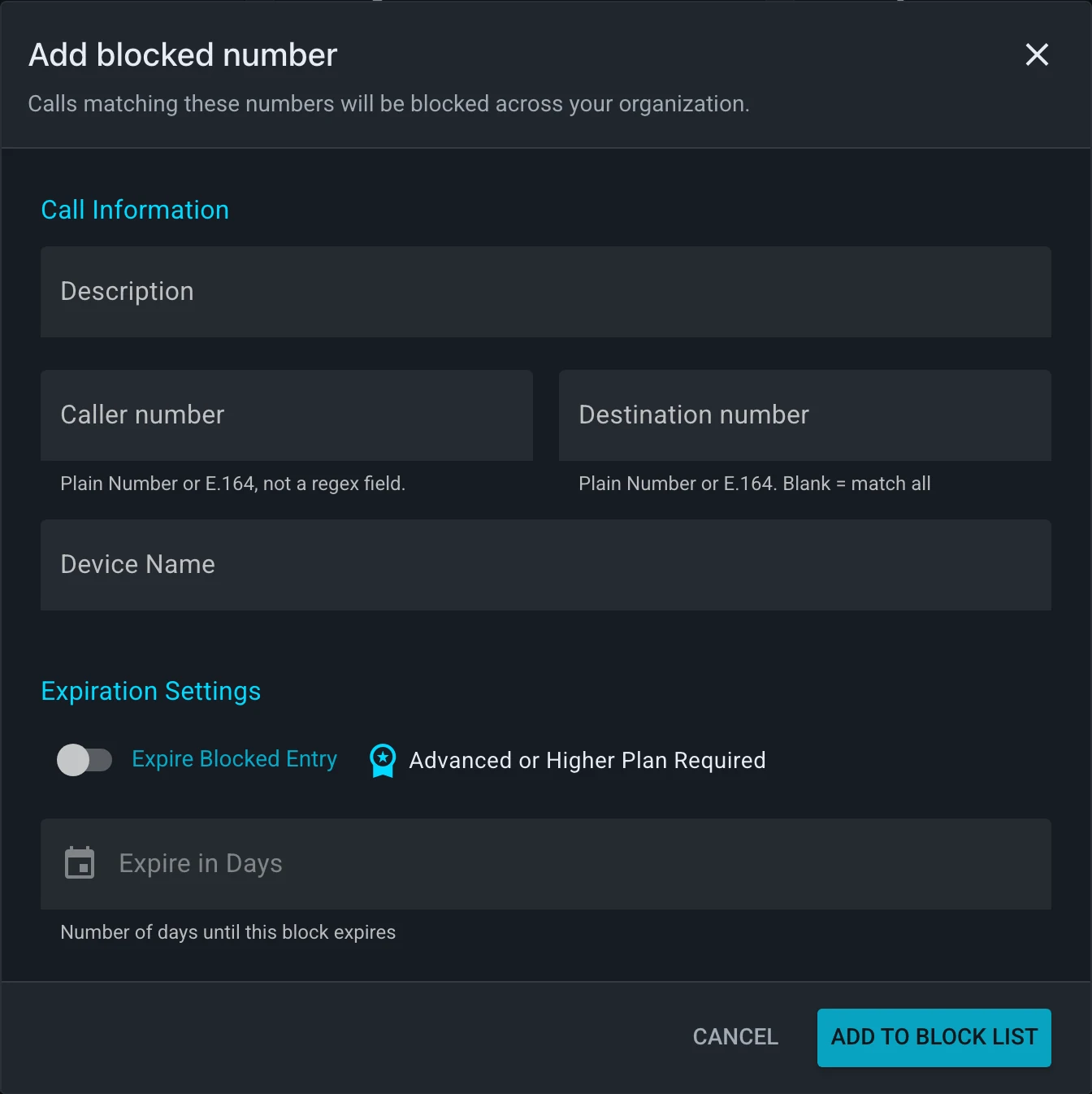
To create a block list entry, click Add on the Global Block List Management page.
Here you can enter some key details:
- Calling Party - The caller number you want to block.
- Called Party - An optional destination for a very specific block, per-line call blocking for example.
- Auto Expiration - Toggles auto expiration for this block entry.
- Description - A description of the block entry.
- Expiration - The number of days to hold this block entry for.
Importing Call Block Lists via CSV
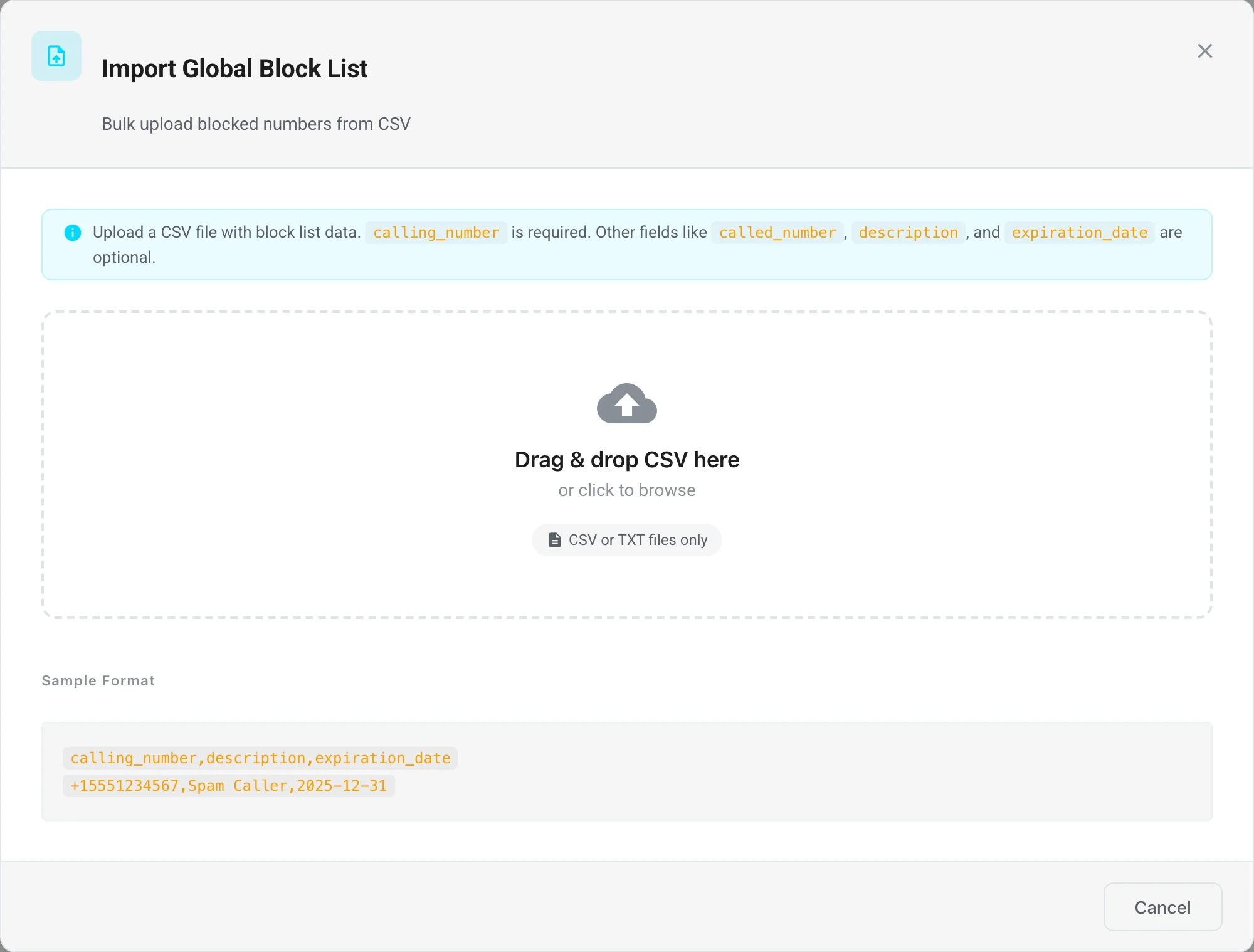
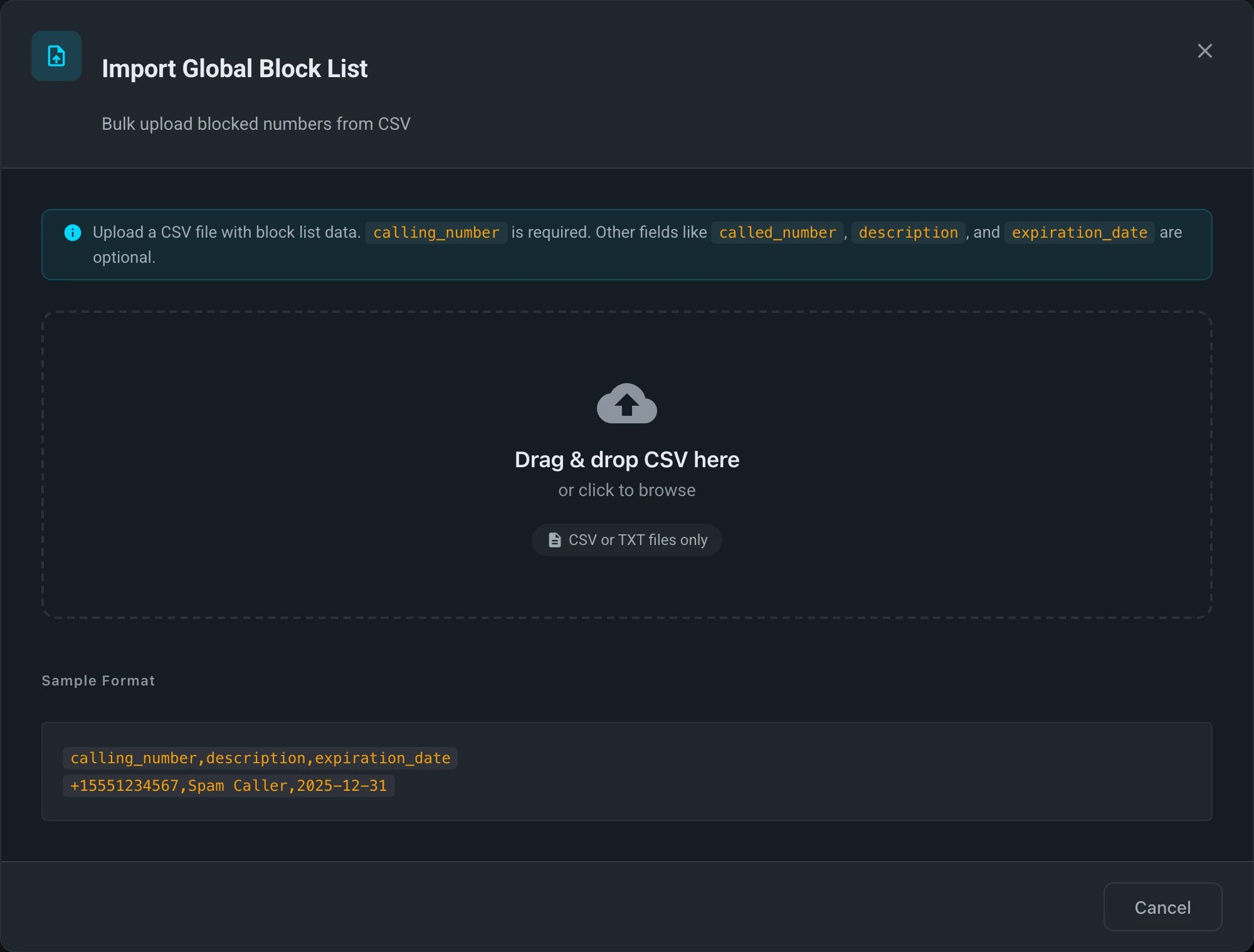
You can also import block lists via CSV. This is useful if you have a large list of numbers you want to block, or you want to migrate data from another system.
Import Process:
- Click the Import button on the Global Block List Management page.
- Copy your CSV data into the field and click submit.
In the import dialog, your file only needs a calling_number column — use the built-in column mapping to pick up called_number, description, and expiration_date from your existing headers, and the dialog normalizes the rest.
Importing directly through the REST API is stricter: the CSV must include the calling_number, called_number, and description headers (called_number values may be blank); expiration_date (or expires) is optional, and other columns are rejected.
Block List API Access Advanced
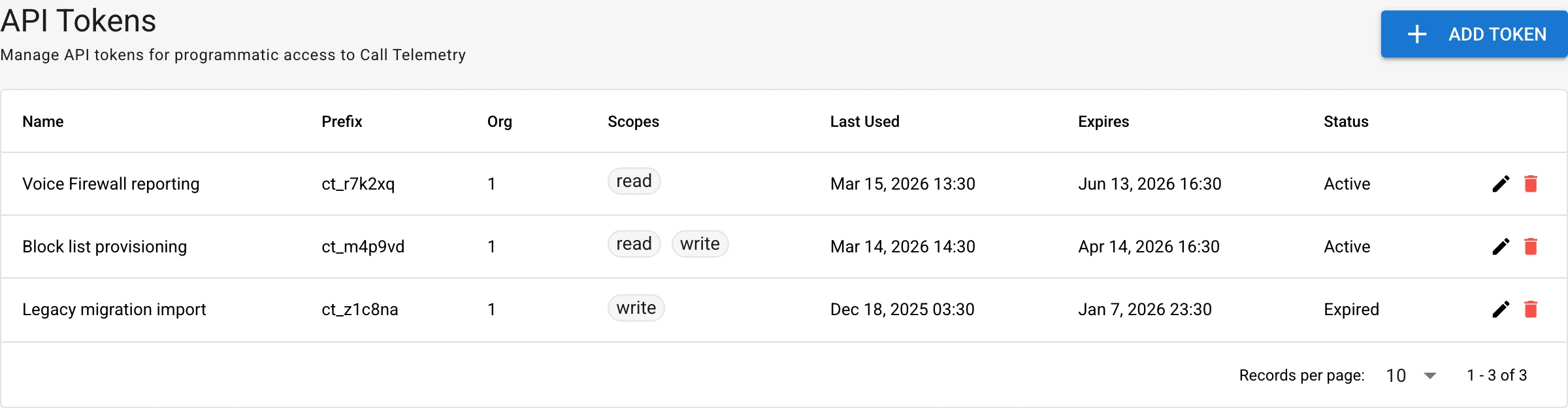
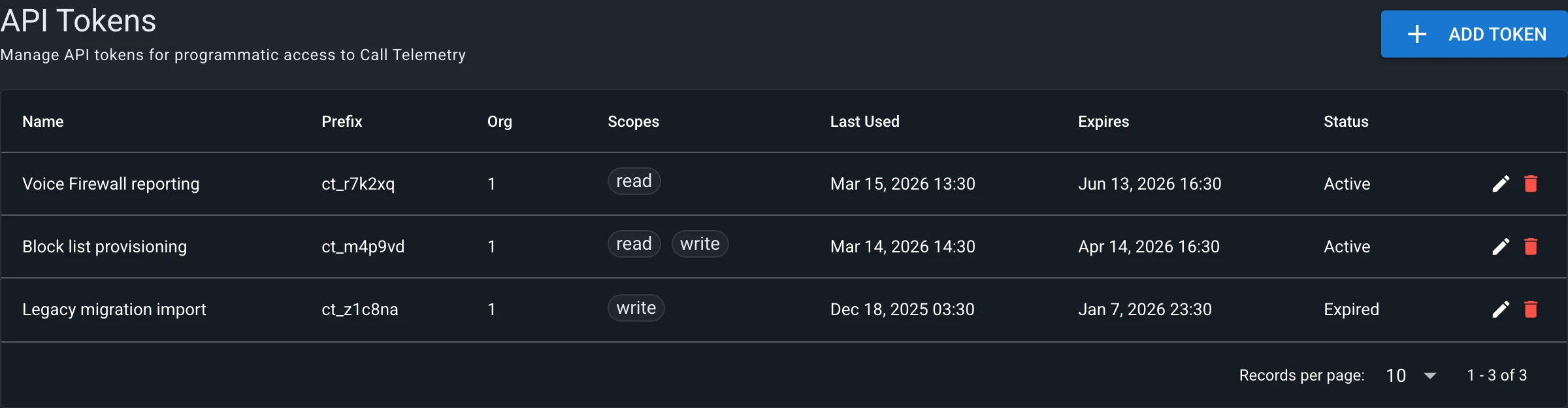
The legacy global REST API key is deprecated and no longer appears on the Global Block List page. Programmatic access now uses scoped API tokens backed by the OpenAPI reference.
Open Settings → API Tokens to create, scope, expire, or revoke credentials. Grant only the scopes the integration needs, and store a newly created token securely — its full value is shown only at creation.
Base URL
List the global block list with a GET request to:
https://your-appliance.example/api/org/{org_id}/block/global
Create, update, or delete individual entries at:
https://your-appliance.example/api/org/{org_id}/block/global/mcids
Header: Authorization: YOUR_API_TOKEN
Send the API token as the raw value of the Authorization header — do not add a Bearer prefix, which is reserved for user session tokens.
API Documentation
For complete API documentation including all block list, watch list, and TDoS endpoints, see:
- Voice Firewall API Guide - Practical examples and workflows
- API Reference - Full auto-generated endpoint reference
- Postman Collection - Import into Postman for testing