Policy Numbers and Tags
Numbers and Tags are fundamental components for matching calling and called parties in Call Telemetry policies. They provide flexible pattern matching and organizational capabilities for your call routing rules.
Numbers
Numbers are patterns used to match calling or called parties in rules, whitelists, and blacklists.
Number Types
Numbers can be configured as either:
- Exact match - A specific number like
911,8005551212, or+14155551234 - Regular expression - A pattern match using regex
- Example:
^[2-9]\d{2}[2-9]\d{6}$matches any 10-digit US number - Example:
\d{4}matches any 4-digit extension - Example:
^1?8(00|88|77|66|55|44|33)\d{7}$matches toll-free numbers
- Example:
Creating Numbers
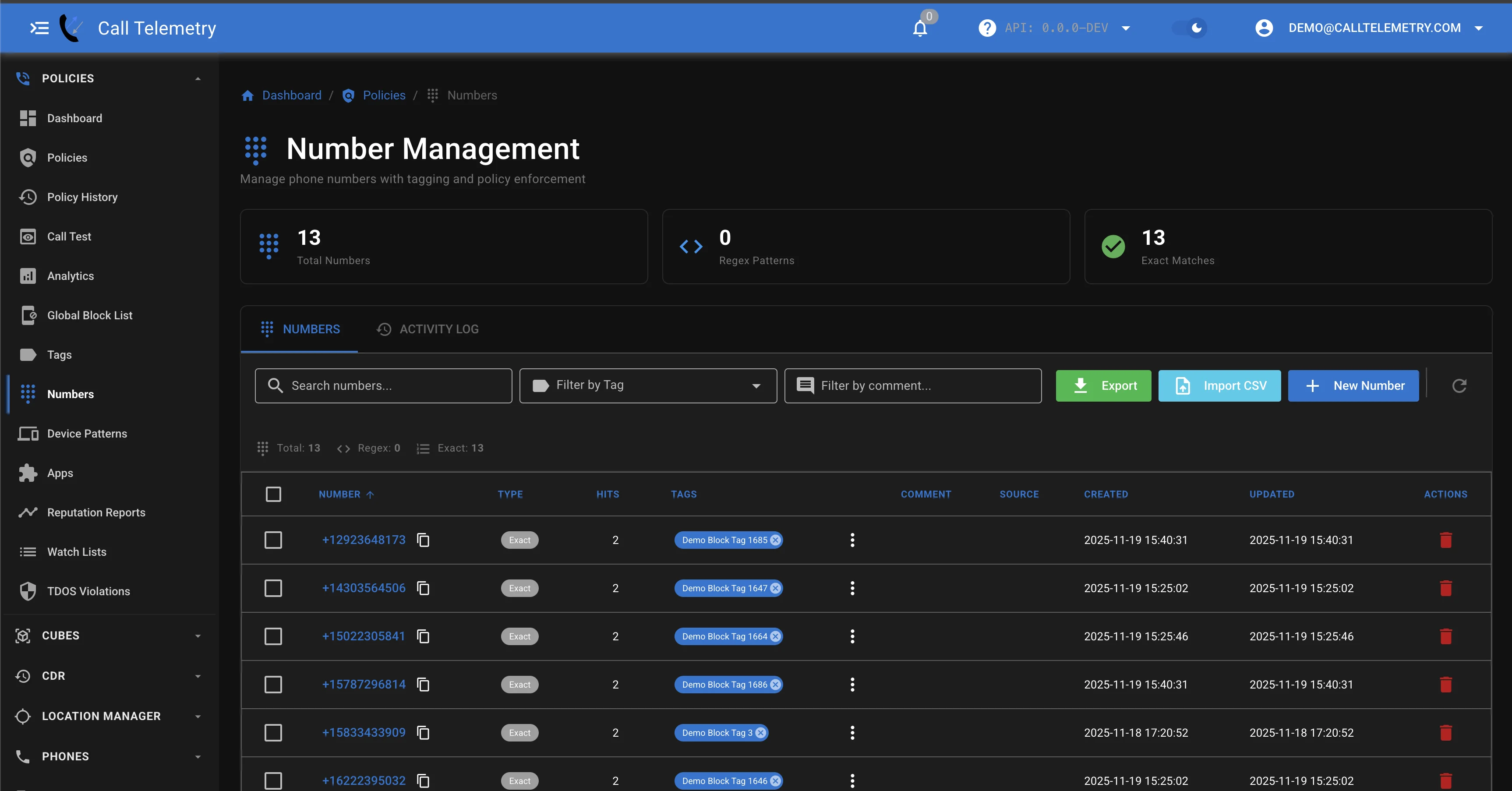
When creating a number, you can tag it for organizational purposes and add comments for documentation.
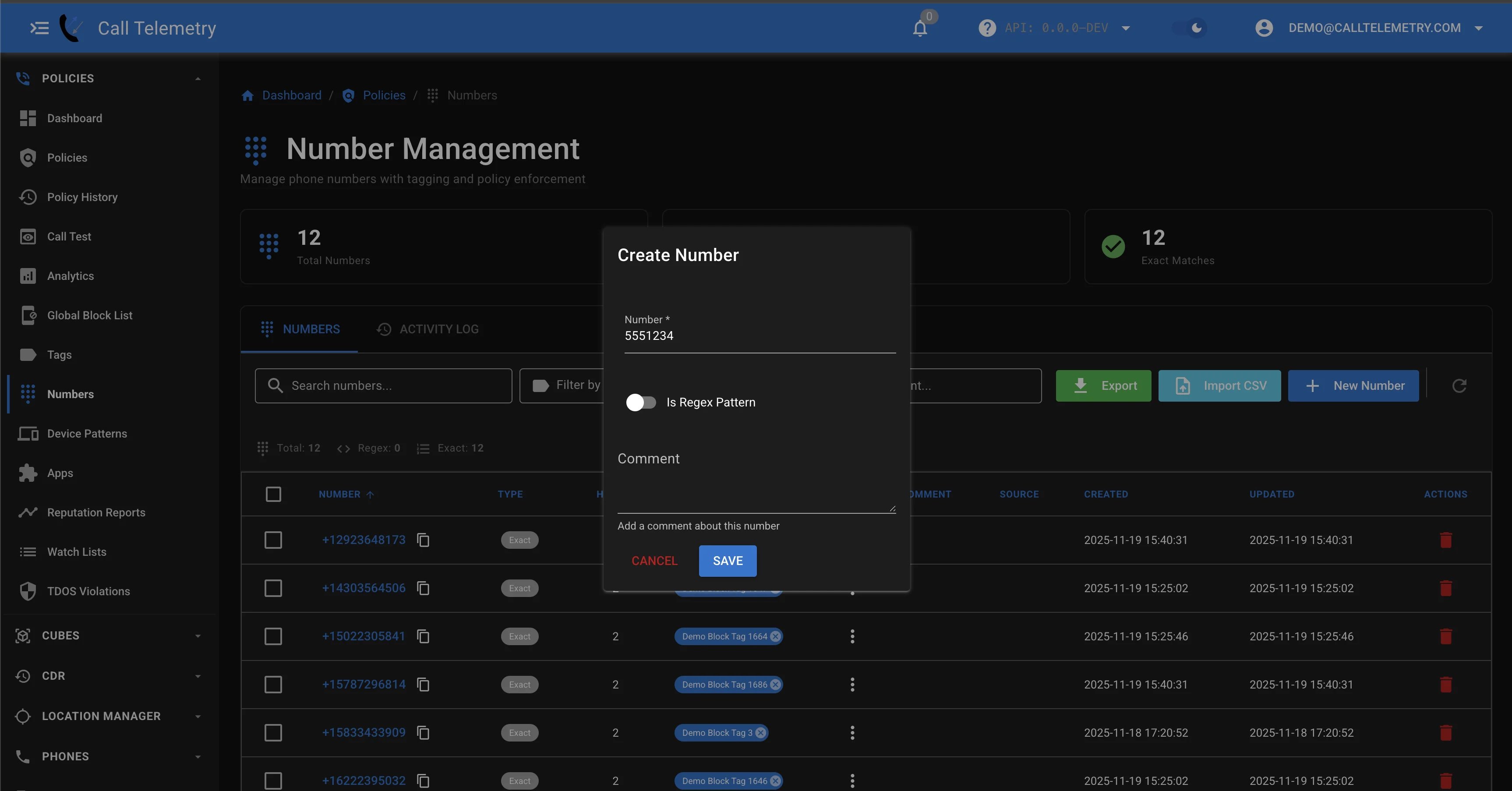
The system automatically adds audit information including the user who added the number and when.
Common Pattern Examples
Emergency Numbers
- Pattern:
^(911|988|112)$ - Use: Whitelist critical emergency services
Internal Extensions
- Pattern:
^\d{4}$ - Use: Route 4-digit internal calls
International Blocking
- Pattern:
^\+(?!1|1[2-9]\d{2}) - Use: Block non-North American numbers
Tags
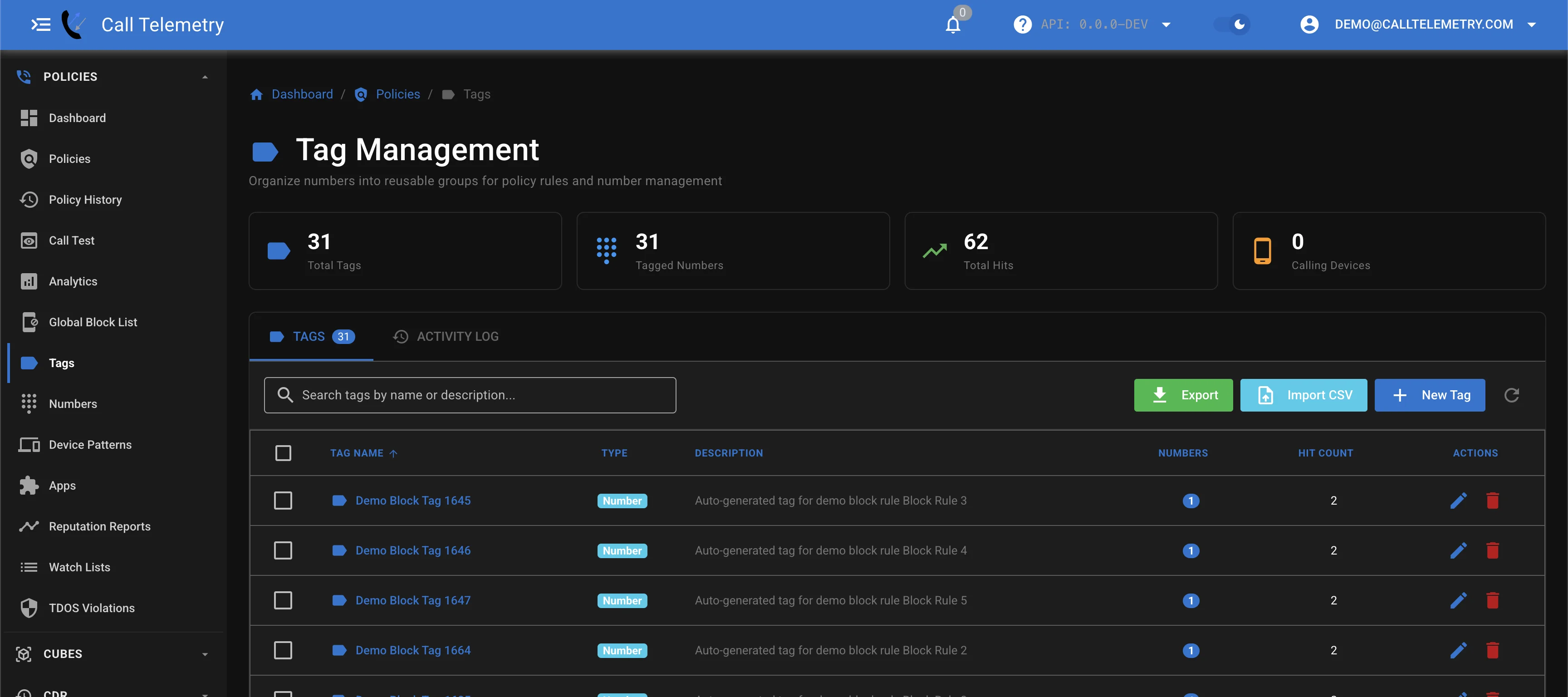
Tags are labels used to group numbers together for easier management. A single tag can be applied across multiple policy types.
Creating Tags
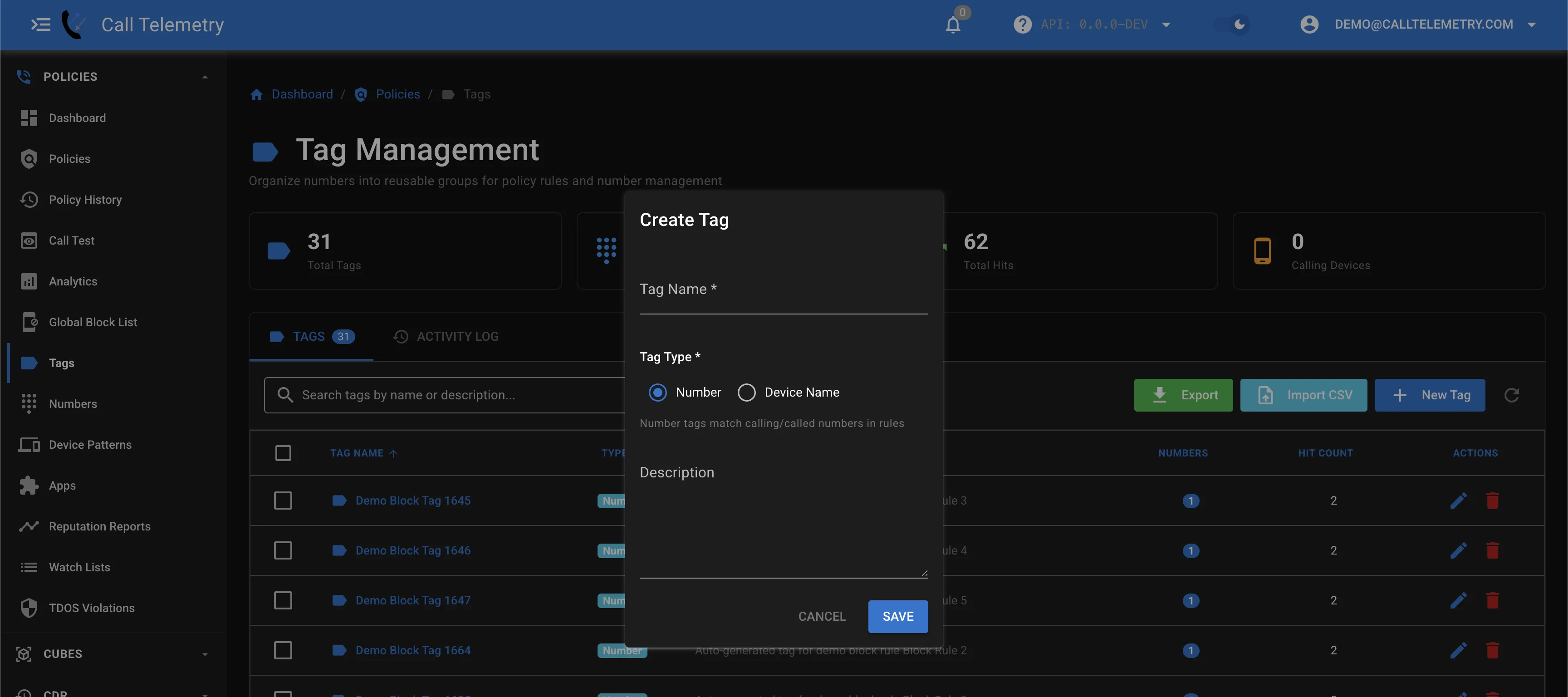
Tags support names and descriptions to document their purpose:
Use descriptive tag names to maintain clarity as your system grows.
Tag Examples
Common tag strategies include:
Business-Partners- Trusted external numbersEmergency-Services- Critical service numbersKnown-Spam- Confirmed spam sourcesVIP-Customers- High-priority callers
Calling Device Tags
This is a special case need, calling device tags are not needed for 99% of callflow triggers. The best example I have seen is in bulk greeting injection if you want to exclude or include certain calling devices.
Calling Device Patterns allow you to create rules based on the originating device (phone) name. This feature helps you control call policies based on specific devices or device types.
Device Pattern Types
Device patterns can be configured as either:
-
Exact Match - Matches the device name exactly.
- Example:
SEP123456789ABC- Cisco IP Phone with specific MAC address - Example:
CSFSMITH- Cisco Softphone
- Example:
-
Regex Pattern - Uses regular expressions to match multiple devices with similar names.
- Example:
SEP[0-9A-F]{12}- Matches SEP devices with 12 hex characters - Example:
CSF.*- Matches any Cisco Softphone device
- Example:
Most users reaching for this feature will be including or excluding certain phones. This only works with the CURRI API. CURRI delivers a calling device, and rule triggers can match this data.
Using Device Patterns in Rules
You can assign Calling Device Tags to Rule Triggers and use this to include calling devices or exclude devices from matching.
Using Numbers and Tags
Numbers and Tags can be used throughout Call Telemetry:
Whitelists
- Numbers and Tags can be used in Whitelists to always permit calls
- Available at all license levels
Blacklists
- Numbers and Tags can be used in Blacklists to block calls
- Available at all license levels
Policy Rule Triggers
- Numbers and Tags can be used in Rules to match calling or called numbers
- Enable complex routing logic based on patterns
License Limitations
- Limited to 10 Number Patterns total
- Limited to 1 Tag
For unlimited patterns and tags, consider upgrading to Standard or Advanced licenses.
Related Topics
- Rule Triggers - Advanced matching conditions
- Policy Processing Order - Understanding rule precedence
- Watch Lists - Monitoring suspicious activity