Cisco CDR Call Reporting
Run 37+ report templates and CDR ingestion within a minute — self-hosted, free forever. Download the free appliance →
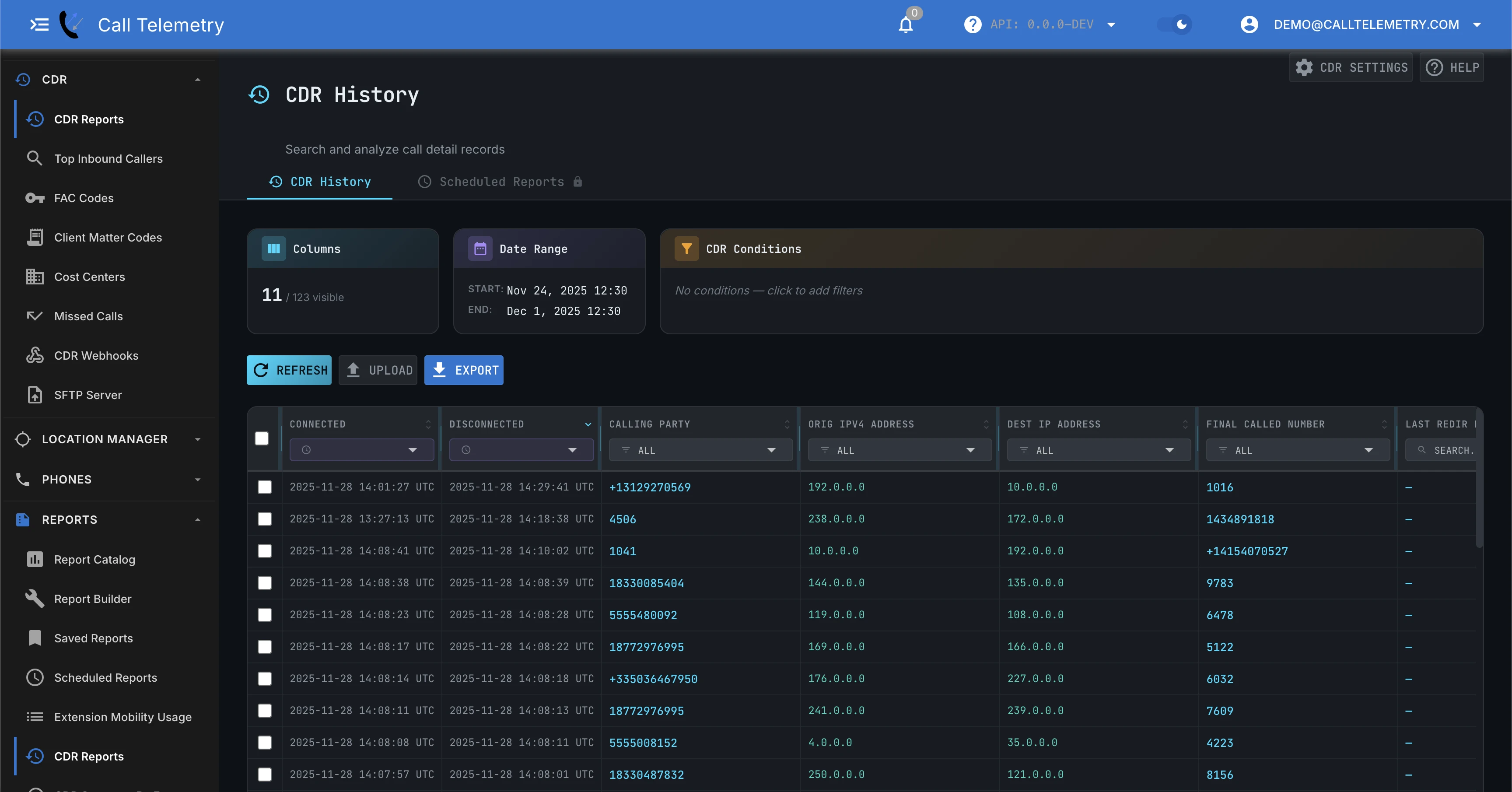
Navigate to Reports → CDR Reports to search, filter, and export individual Call Detail Records (CDRs). While Reporting Overview is for aggregated trends, this is the daily engineering tool for troubleshooting specific calls and auditing raw data.
Why use this over Cisco CAR?
Cisco's built-in CDR Analysis and Reporting (CAR) is often slow, limited in search capability, and requires complex manual exports. Call Telemetry provides a modern alternative:
- Instant Search: Filter 125+ raw CDR fields in seconds, not minutes.
- Human Readable: Every Cisco cause code and field is automatically decoded. (e.g.,
origCallTerminationOnBehalfOfbecomes readable text). - Infinite Flexibility: Stack multiple filters to isolate specific call paths or gateways.
- Easy Export: Export any filtered view directly to CSV or XLSX for sharing or external auditing.
This view is your go-to for engineering questions like:
- “Did this call connect? If not, why?”
- “Which device/gateway handled the call?”
- “Show me all calls for this number during a time window”
Searching and Filtering Logs
The CDR Reports table is built for rapid investigation: filters, columns, and exports in one place.
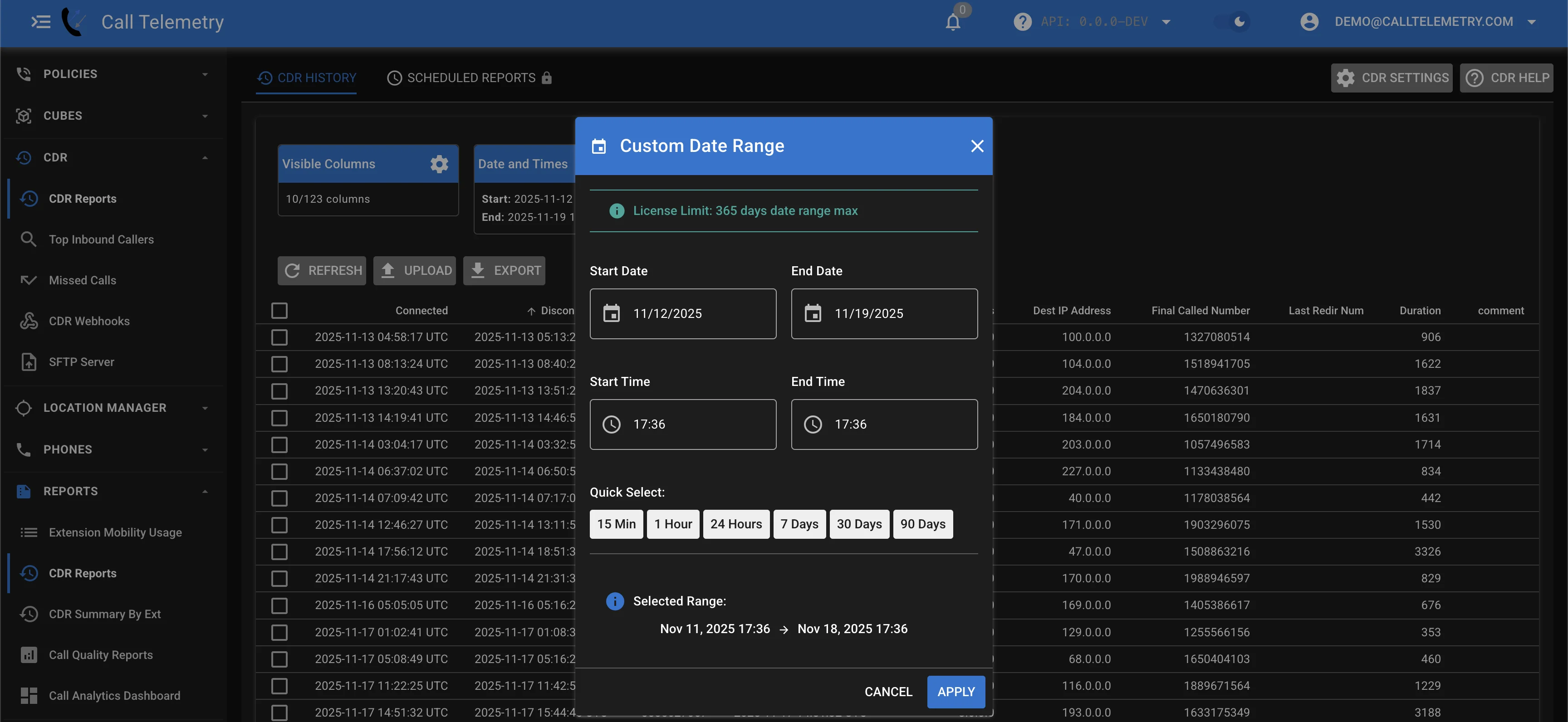
Change the Date Range
By default, you’ll typically start with recent calls. Adjust the date range to expand or narrow the window.
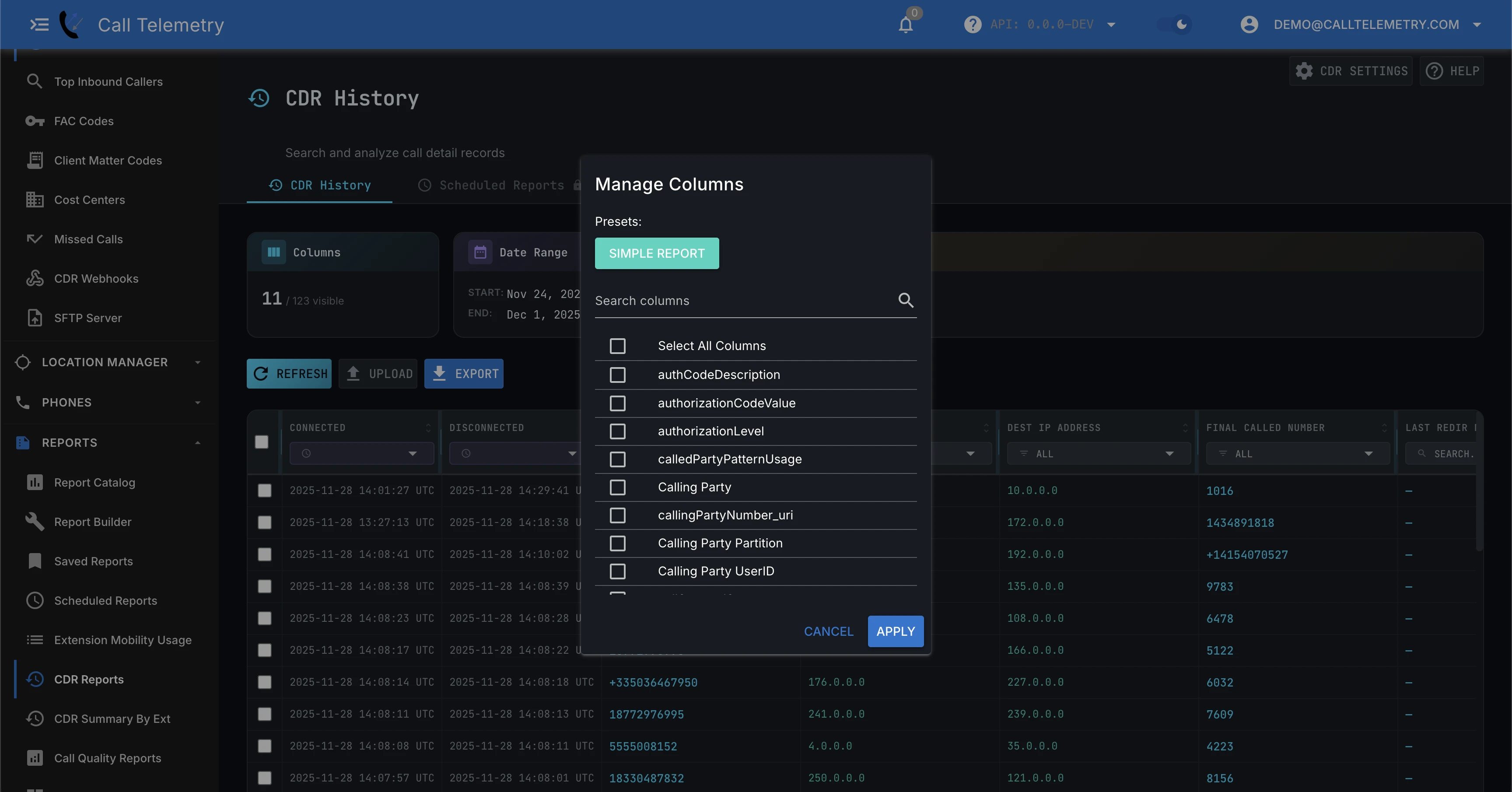
Choose Visible Columns
Use Visible Columns to show the fields you care about (and hide the rest). On CDR History, directory enrichment columns such as device description and line description require Essentials or higher; on Community they stay locked. See Licensing.
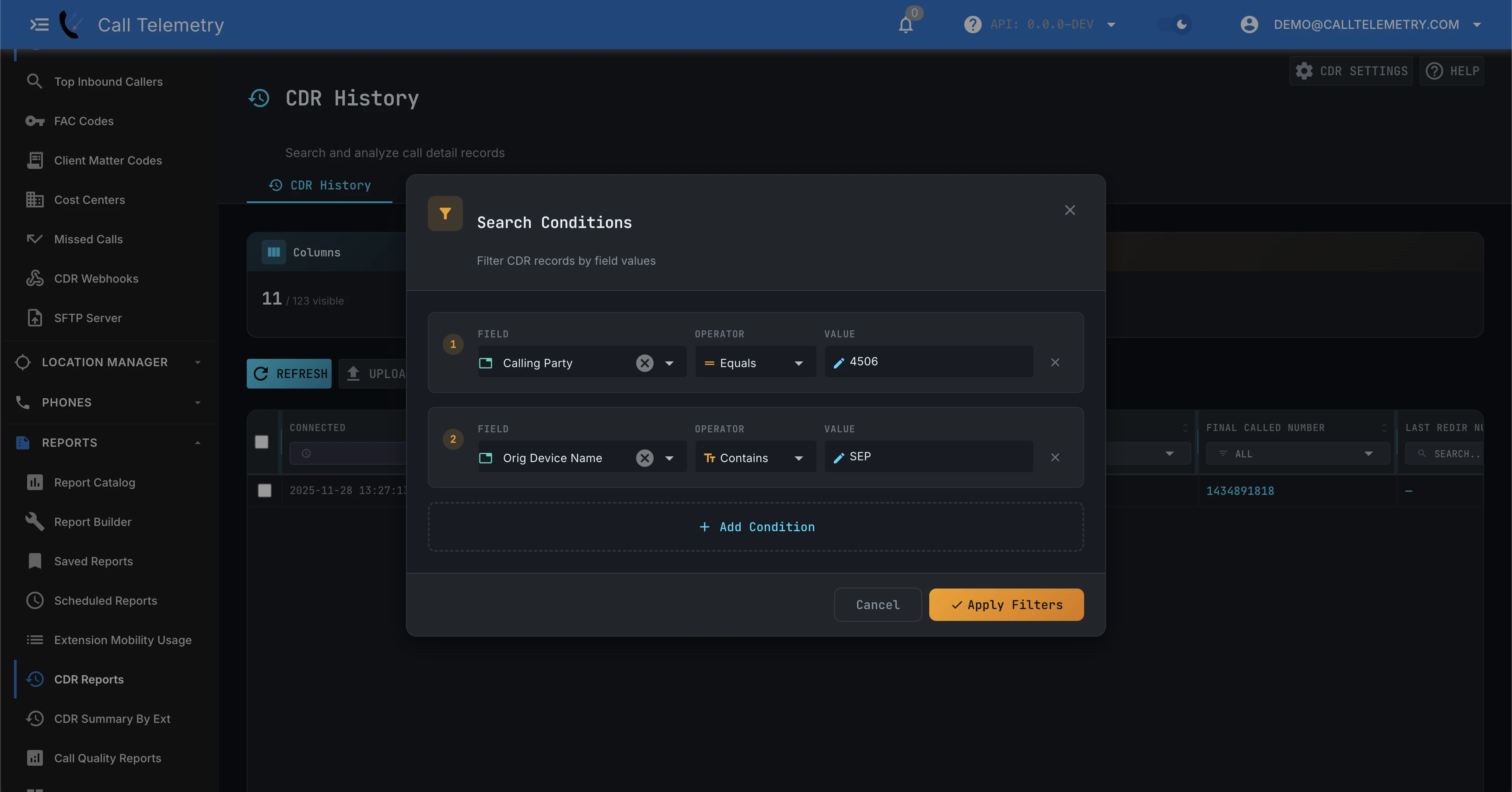
Filter by Any CDR Field
Build advanced filters across any CDR field (calling/called numbers, partitions, device names, IP addresses, cause codes, and more).
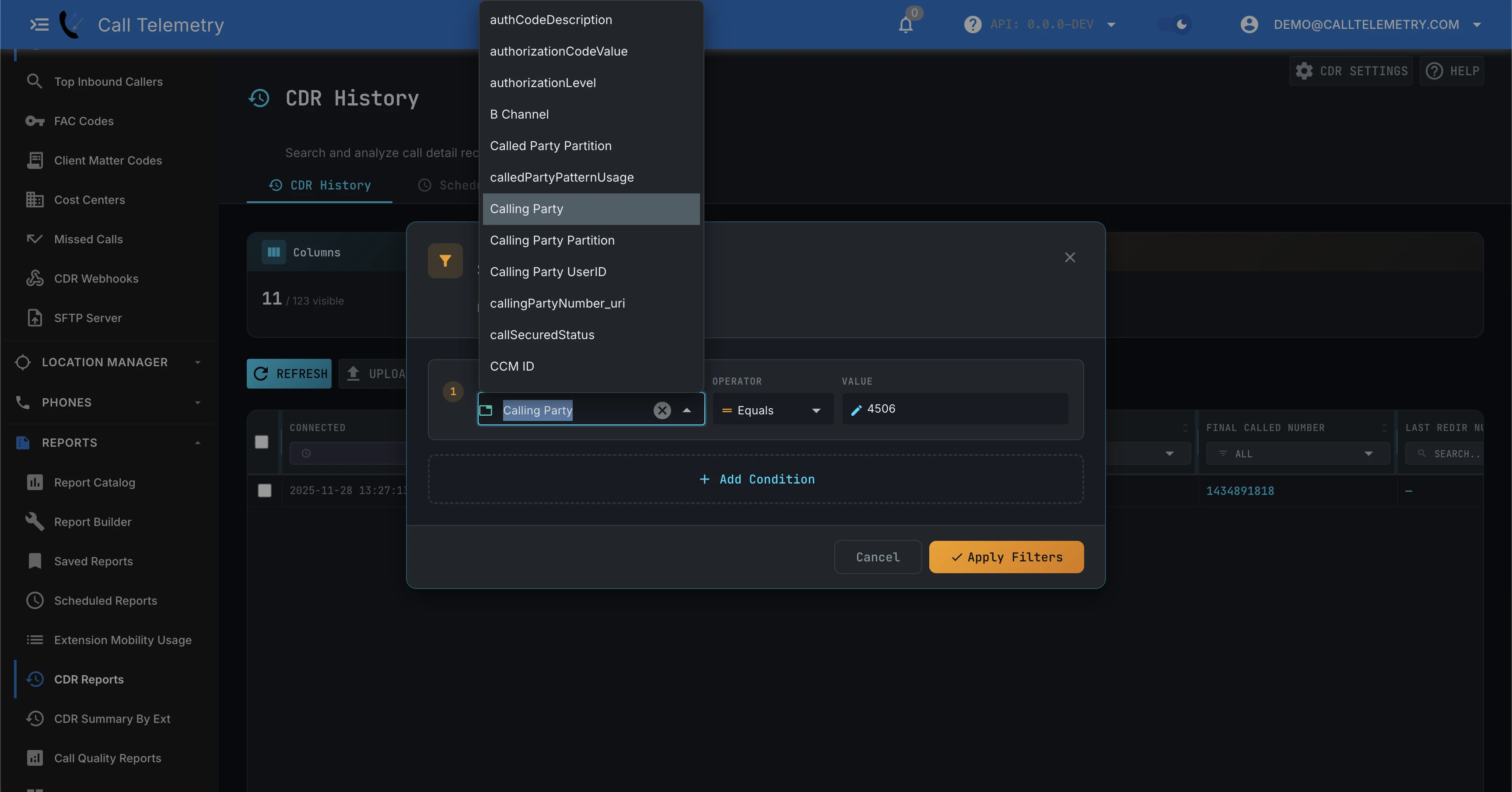
For more complex investigations, you can stack multiple conditions and combine field filters.
Export Results
After filtering the table, export the results for analysis or sharing.
Licensing
Raw CDR History is included on Community (Free Edition). CDR History enrichment columns are not.
| Capability | Community | Essentials | Advanced | Premium |
|---|---|---|---|---|
| Raw CDR History (search, filter, on-screen results) | Included | Included | Included | Included |
| CDR History enrichment columns (device description, line description, alerting name, caller/called user name, email, and department) | Locked / masked | Included | Included | Included |
On Community, those History columns appear in Visible Columns but stay empty and locked. Filtering, sorting, and CSV/XLSX/PDF export of those columns is blocked. Essentials and higher unmask them. Phone inventory remains available on Community. This gate applies to CDR History report columns only — not every surface that can show a device description. CDR Alert templates may still render inventory device description on Free; that is the phones inventory field, not these History columns.
See Free Edition limits and Call Telemetry pricing.
Common Search Scenarios
Find Failed Calls (SIP 4xx/5xx)
Cisco generates cryptic Q.850 cause codes. Call Telemetry decodes them.
- Add filter: Cause Code
- Select:
Destination Out of Order (27),User Busy (17), orNetwork Out of Order (38) - Result: See exactly which gateway or trunk is rejecting calls.
Export Call History for Legal/HR
Need a CSV of every call a user made for an audit?
- Add filter: Calling Party Number
equals1001 - Add filter: Date Range
Last 30 Days - Click Export → CSV
Identify International Fraud
Spot unexpected long-distance calls instantly.
- Add filter: Called Party Number
starts with011(or your intl prefix) - Sort by: Duration (descending)
- Check the Device Name to see if a voicemail port or compromised endpoint is dialing out.
Uploading CDR Files
Automatic Upload (SFTP Integration)
Call Telemetry can receive Cisco CDR files automatically over SFTP, process them, and decode fields into a human-readable format.
Follow the CDR Integration guide to configure CUCM uploads.
Manual Upload
If you need to troubleshoot a file, you can upload raw CDR files directly from the CDR Reports page for immediate processing.
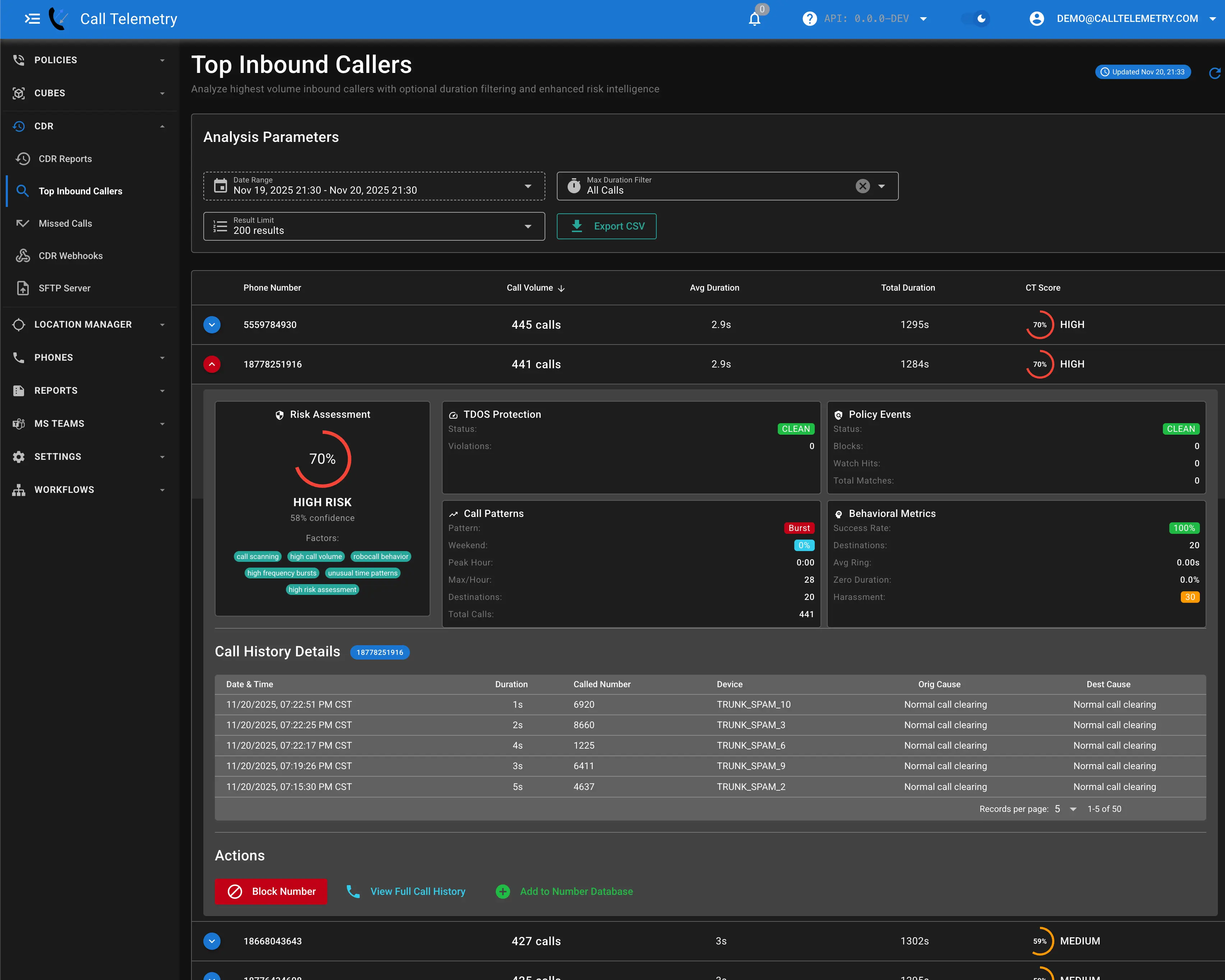
Example: Suspected Spam / Robocalls
Short-duration inbound calls can indicate robocall or spam patterns. Use date range + filters to isolate patterns, then export or pivot into a template report for deeper analysis.
Live Streaming
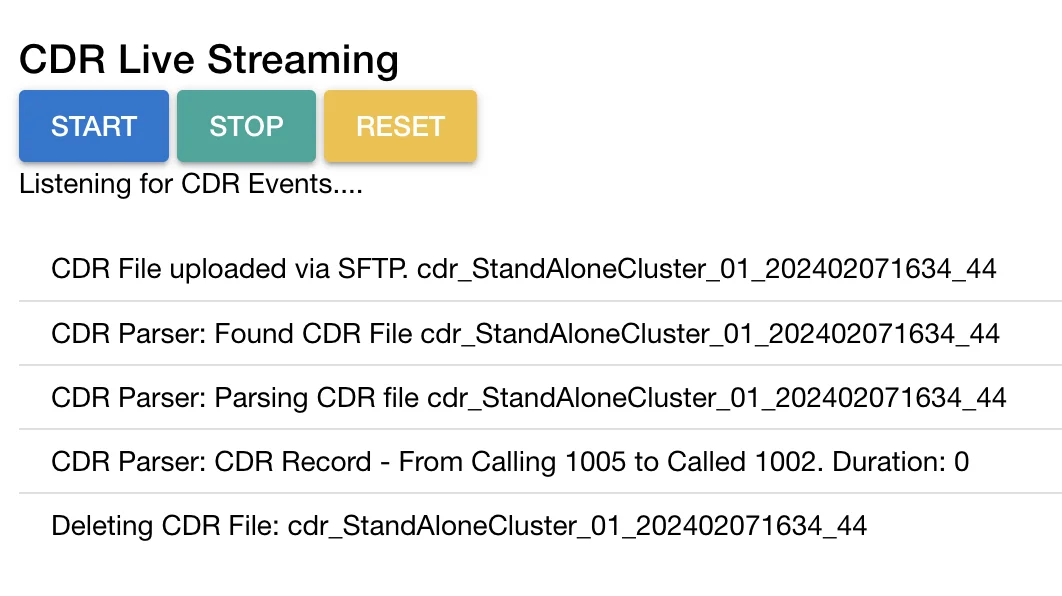
When you’re troubleshooting ingestion, live streaming helps confirm records are flowing in real time.