Monitor International Calls with CDR Alerts
PremiumInternational Call Tracking monitors calls whose final called number begins with a configured international prefix. Unlike the Toll Fraud Detection preset, it does not require a positive connected duration, so it can also show unsuccessful or zero-duration attempts.
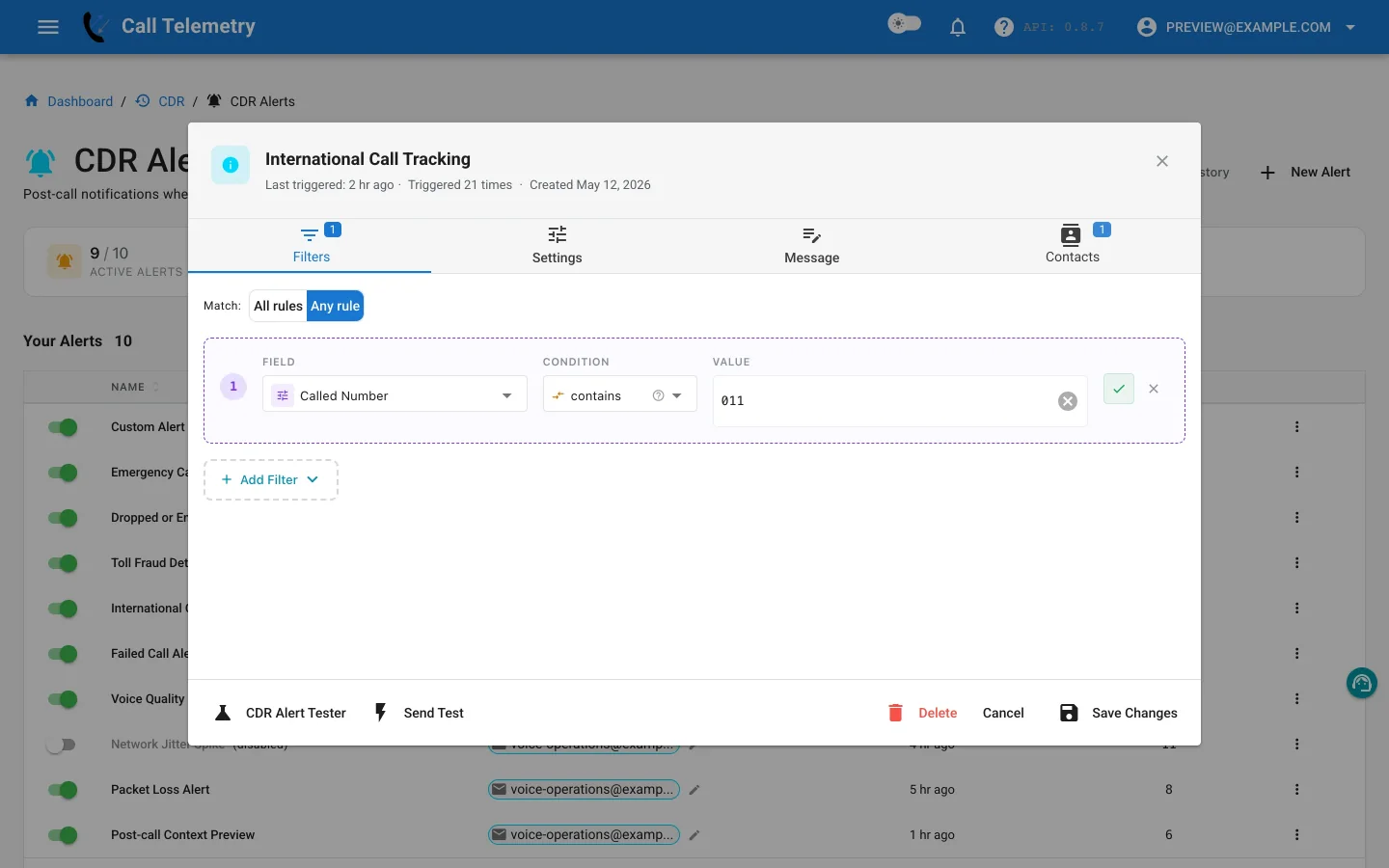
Choose and inspect the preset
Open Alerts → CDR Alerts → New Alert, then choose International Call Tracking. It starts at Info severity with one Any-mode rule:
| Field | Operator | Default value |
|---|---|---|
finalCalledPartyNumber | starts_with | 011, 00, + |
With one rule, Any means the final called number can begin with any supplied prefix. Add or remove prefixes to match the digits stored in your CUCM records.
Do not add a duration rule unless the profile should intentionally ignore attempted or unconnected calls.
Customize the message and routing
Include the caller, final called number, duration, department, device, and available location so recipients can distinguish routine business activity from a call that needs follow-up. Add finance, telecom, or compliance contacts according to the purpose of this profile; tracking is not the same as declaring fraud.
Test, activate, and review
- Use Send Test for delivered email and previews for Teams, Webex, SMS, and webhook.
- In Alert Lab, use each dialing prefix present in your dial plan and confirm a domestic number does not match.
- Verify that a zero-duration international record still matches. Alert Lab can deliver email, Teams, and Webex; SMS and webhook are safety-skipped.
- Save and activate the profile.
- Open Alerts → CDR Alerts → History to review matched numbers, durations, grouped records, contacts, and delivery status.
Use Toll Fraud Detection when the profile should require positive connected duration. Return to the CDR Alerts overview.